
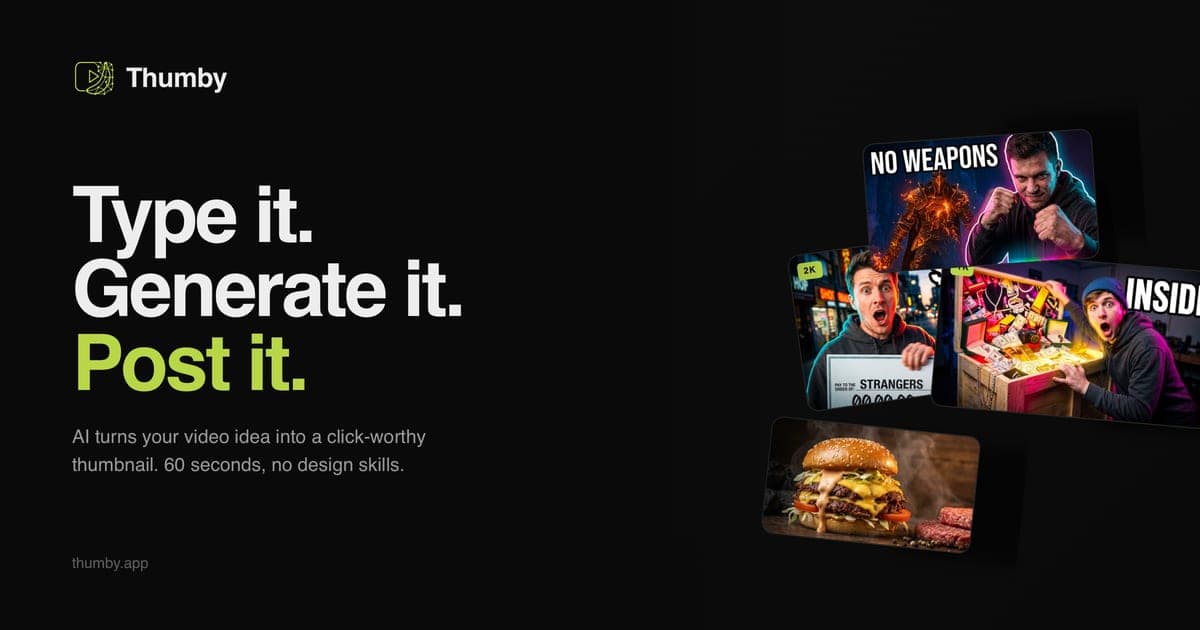
Searching for a Pikzels alternative usually means one of three things: you want out of the subscription, you want more style control, or you want a workflow that isn't form-driven. Thumby answers all three — pay-per-credit pricing (no subscription, credits never expire), a curated creator-style catalogue with channel cloning, and a chat agent that art-directs the render from a one-line video idea. Here's the honest side-by-side.
Credit where due: what Pikzels gets right
We rank Pikzels as the best budget pick in our own 10-tool comparison of AI YouTube thumbnail generators — it delivers solid AI generation at an accessible entry point, with a feature set built around recreating proven viral layouts and swapping in your face. For occasional creators who want exactly that, it's a practical choice.
So this isn't a hit piece. It's a fit test: the two tools sit on different philosophies, and which one wins depends on how you work.
The three differences that actually matter
1. Pricing model: subscription vs pay-per-result
Most AI thumbnail tools — Pikzels included — bill monthly. Publish twelve videos or zero, the charge is the same, and lapsed months are money burned.
Thumby is strictly pay-as-you-go: $15 buys 30 credits, one credit = one thumbnail render, upscales cost extra credits (2K = 3, 4K = 6), and credits never expire. There's no plan to cancel, and testing costs nothing: 3 free credits, no card required. If you publish in bursts — most creators do — the economics favour credits over subscriptions.
2. Style control: recreating layouts vs cloning visual language
Pikzels' signature move is recreating a specific viral thumbnail with your subject in it. It works, but it ties each render to one source image — and everyone else using the tool is drawing from the same pool of viral references.
Thumby approaches style at the channel level:
- A curated style catalogue distilled from what performs per niche — MrBeast-style challenge energy, clean MKBHD-style tech, kids 3D, true crime, finance and the rest of the styles collection — each encoding composition, lighting and emotional register, not just colors.
- Channel cloning: paste any YouTube channel URL and Thumby builds a private style preset from that channel's visual language. You get the look, applied to your topic, without copying any single frame.
3. Workflow: forms vs an agent
Pikzels is interface-driven: choose options, fill fields, generate. Thumby is a conversation: type the video idea, and the agent stages the scene — or asks the two or three clarifying questions a designer would ask, if you use Guided mode. The 2026 CTR rules — sticker-effect lighting, three-word caps, 120-pixel legibility, hybrid faces — are enforced in every render, so you don't need to know them to benefit from them. Iteration is conversational too: "make the text punchier", "swap the background to a courtroom", and it re-renders for one credit.
Pikzels vs Thumby at a glance
| | Pikzels | Thumby | | --- | --- | --- | | Pricing model | Monthly subscription tiers | Credit packs from $15/30, never expire, no subscription | | Free to test | Free tier | 3 free credits, no card | | Style approach | Recreate viral thumbnails, face swap | Curated niche presets + clone any channel's style from a URL | | Workflow | Form-driven UI | Chat agent (promptless), 4 modes | | 2026 CTR rules | Your job to apply | Baked into every render | | Output | Standard renders | 16:9 renders, 2K/4K upscale, 3–5 A/B angles per idea | | Best for | Occasional creators recreating proven layouts | Regular publishers who want channel-consistent, original thumbnails |
How to decide in ten minutes
Take your next video's title. Render it in both tools — Thumby's 3 free credits cover three full attempts — then shrink both results to 120 pixels wide and ask which one you'd click in a crowded feed. That test settles tool debates faster than any comparison table, ours included.
For the full landscape beyond these two — including Canva, Adobe Express and the DIY ChatGPT route — see the ranked 10-tool comparison or the deeper AI YouTube thumbnail generator guide.
— Andrii, Founder of Thumby