
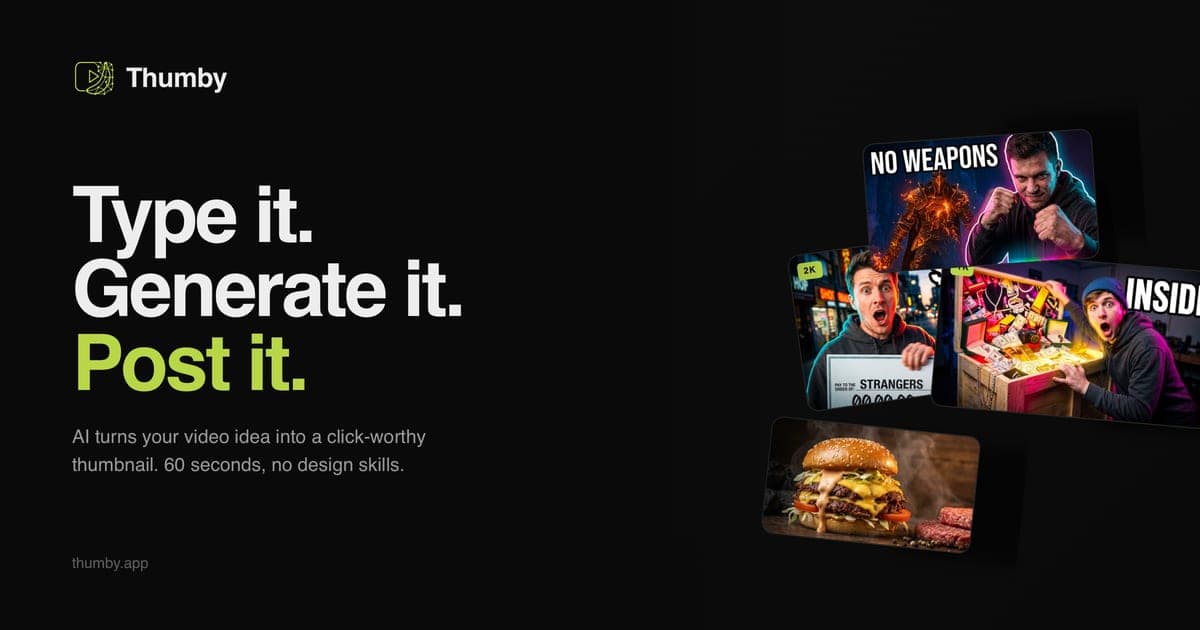
The practical Photoshop alternative for YouTube thumbnails in 2026 is not another editor — it's skipping the editor: an AI thumbnail generator that takes a one-line video idea (plus an optional selfie) and stages a CTR-tuned 16:9 thumbnail in about 60 seconds, upscalable to 4K. Here's when that swap makes sense, and when Photoshop keeps its place.
The real cost of the Photoshop thumbnail workflow
Nobody disputes what Photoshop can do — it remains the deepest image editor ever shipped. The question is what a thumbnail costs in it:
- Time. A competent designer spends up to two hours per thumbnail once you count ideation, asset sourcing, subject cutout, lighting effects, text work and revisions. At three videos a week, that's a part-time job.
- Skill. The 2026 look — sticker-effect lighting, hybrid faces, three-word caps, 120-pixel legibility — takes real layer-craft to execute: rim lights, strokes, split-tone grades, frequency separation. If you're a creator first and a designer second, the learning curve eats your publishing cadence.
- Money. Adobe bills monthly whether you publish or not; outsourcing runs $50–150 per thumbnail from a freelance designer.
- Opinion. Photoshop executes your composition. It has no opinion about what earns clicks — the CTR strategy is still entirely on you.
What replaces it
Thumby is a purpose-built AI YouTube thumbnail generator built around a chat agent rather than a canvas:
- Describe the video — "I lived on $10 a day in Tokyo for a week" — and the agent art-directs the scene: composition, lighting, palette, text hierarchy. The 2026 CTR rules are baked in, so every render passes the checks you'd otherwise do by hand.
- Attach your face or product photo and the AI builds the world around the real subject — the hybrid-face approach that beats fully-AI portraits in 2026 A/B tests (and dodges the plastic-skin look the algorithm demotes).
- Pick a niche style from the curated catalogue — MrBeast-style contrast, clean tech-review, food, travel, finance and more on the styles page — or paste a YouTube channel URL to clone that channel's visual language.
- Download in ~60 seconds, or upscale to 2K/4K for high-end channels. Generate 3–5 different angles per idea for YouTube's built-in A/B testing.
Pricing is pay-per-result: credit packs from $15 for 30 thumbnails, credits never expire, no subscription. Testing is free: 3 credits on sign-up, no card required.
Photoshop vs an AI thumbnail generator, honestly
| | Photoshop | Thumby | | --- | --- | --- | | Time per thumbnail | 1–2 hours | ~1 min + review | | Skill required | High (layers, masking, grading) | None — describe the video | | CTR strategy | Entirely on you | 2026 rules baked into every render | | Pixel-level control | Total | Conversational iteration + finish in any editor | | Pricing | Monthly subscription | Pay-per-credit from $15/30, no subscription | | Best at | Retouching, compositing, brand-exact art direction | Fast, CTR-tuned, channel-consistent thumbnails |
Keep Photoshop when: you're a designer by trade, your brand demands pixel-exact art direction, or thumbnails are composites of licensed assets that need manual treatment.
Switch (or hybridise) when: publishing cadence is the bottleneck. The workflow many channels land on: Thumby generates the composition and lighting, and Photoshop — if it's opened at all — does the last 5% of finishing. For how the AI-tool landscape stacks up beyond this comparison, see the ranked 10-tool comparison.
The two-minute test
Export your latest Photoshop thumbnail. Then generate the same video idea in Thumby with the free credits. Put both at 120 pixels wide — mobile-feed size — and ask which one reads faster. That's the whole game: the feed doesn't grade layer work, it grades the half-second glance.
— Andrii, Founder of Thumby