
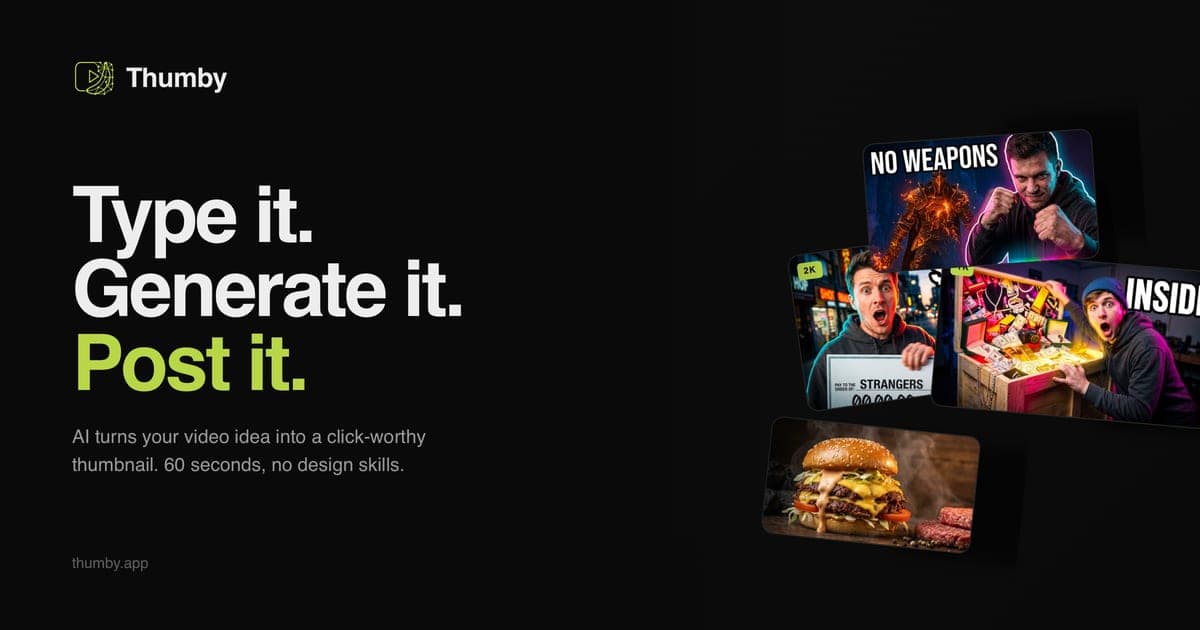
If you're searching for a Canva thumbnail maker alternative, the short answer: Thumby replaces Canva's template-assembly workflow with an AI agent that generates a CTR-tuned YouTube thumbnail from a one-line video idea — no templates, no subscription, 3 free credits to test it. Below is the honest comparison, including the cases where Canva is still the right tool.
Where Canva's thumbnail maker falls short for YouTube
Let's be fair first: Canva is a superb general design platform. For channel banners, end screens, pitch decks and Instagram posts it's arguably the best value in design software. The problem is specifically thumbnails as a CTR instrument:
- Templates are shared by millions. The moment a Canva thumbnail template performs, thousands of channels ship the same layout. Viewers scroll past layouts they've already seen — sameness is the silent CTR killer of template tools.
- Canva doesn't know YouTube's 2026 rules. Sticker-effect lighting, the three-word text cap, hybrid faces, the 120-pixel mobile legibility test — the design rules that decide clicks this year (we maintain the full list in our YouTube thumbnail trends 2026 guide) aren't encoded in a drag-and-drop canvas. You have to know them and apply them by hand, per thumbnail.
- Time per thumbnail stays manual. Even fluent Canva users spend 20–40 minutes assembling, adjusting and exporting one thumbnail. At two or three videos a week that's a real production tax.
- The subscription bills you either way. Canva Pro runs about $15/month whether you published twelve videos or took the month off.
What Thumby does differently
Thumby is a purpose-built AI YouTube thumbnail generator. The workflow is a chat, not a canvas:
- Type the video idea — "I tested a $50 vs $500 espresso machine" — and the agent stages the scene: composition, lighting, palette, text. No prompt engineering; the 2026 CTR rules are baked into every render.
- Pick a style from the curated catalogue — presets distilled from what actually performs per niche: MrBeast-style high contrast, clean tech-review, kids 3D, finance, food and more on the styles page. Or paste any YouTube channel URL and Thumby clones that channel's visual language into a private style.
- Attach a selfie or product photo and the AI builds the world around your subject — the hybrid-face approach that outperforms fully-AI portraits in 2026 testing.
- Get a 16:9 render in about 60 seconds, downloadable immediately or upscaled to 2K/4K.
Pricing is pay-per-result: packs from $15 for 30 credits, one credit per thumbnail, credits never expire, and there's no subscription. New accounts get 3 free credits — no card required.
Canva vs Thumby, honestly
| | Canva thumbnail maker | Thumby | | --- | --- | --- | | Core model | Manual template assembly | AI agent generates from a video idea | | YouTube CTR tuning | Your job | Baked in (2026 rules) | | Uniqueness | Shared templates | Every render staged per video | | Style matching a channel | Manual recreation | Paste a channel URL to clone the style | | Time per thumbnail | ~20–40 min | ~1 min + review | | Pricing | ~$15/mo subscription (Pro) | Pay-per-credit from $15/30 credits, no subscription | | Best at | Everything-design: banners, posts, decks | One thing: clickable YouTube thumbnails |
When Canva is still the right pick: you need one tool for your whole design surface (posts, banners, decks), you enjoy hands-on design control, or thumbnails are a minor part of your workflow. Many creators keep both — Thumby for the thumbnail itself, Canva for everything around it.
When to switch: you publish regularly, your CTR matters commercially, and the 30 minutes per thumbnail (or the designer invoice) is the bottleneck. For the wider tool landscape beyond these two, see our ranked comparison of the 10 best AI YouTube thumbnail generators in 2026.
Try the alternative in two minutes
The cheapest way to settle it: take the title of your last published video, generate it with the 3 free credits, and put the result next to your Canva version at 120 pixels wide — feed size. Whichever one you'd click, ship that one.
— Andrii, Founder of Thumby